Creating an Inventory Buffer
Last updated: October 5, 2026
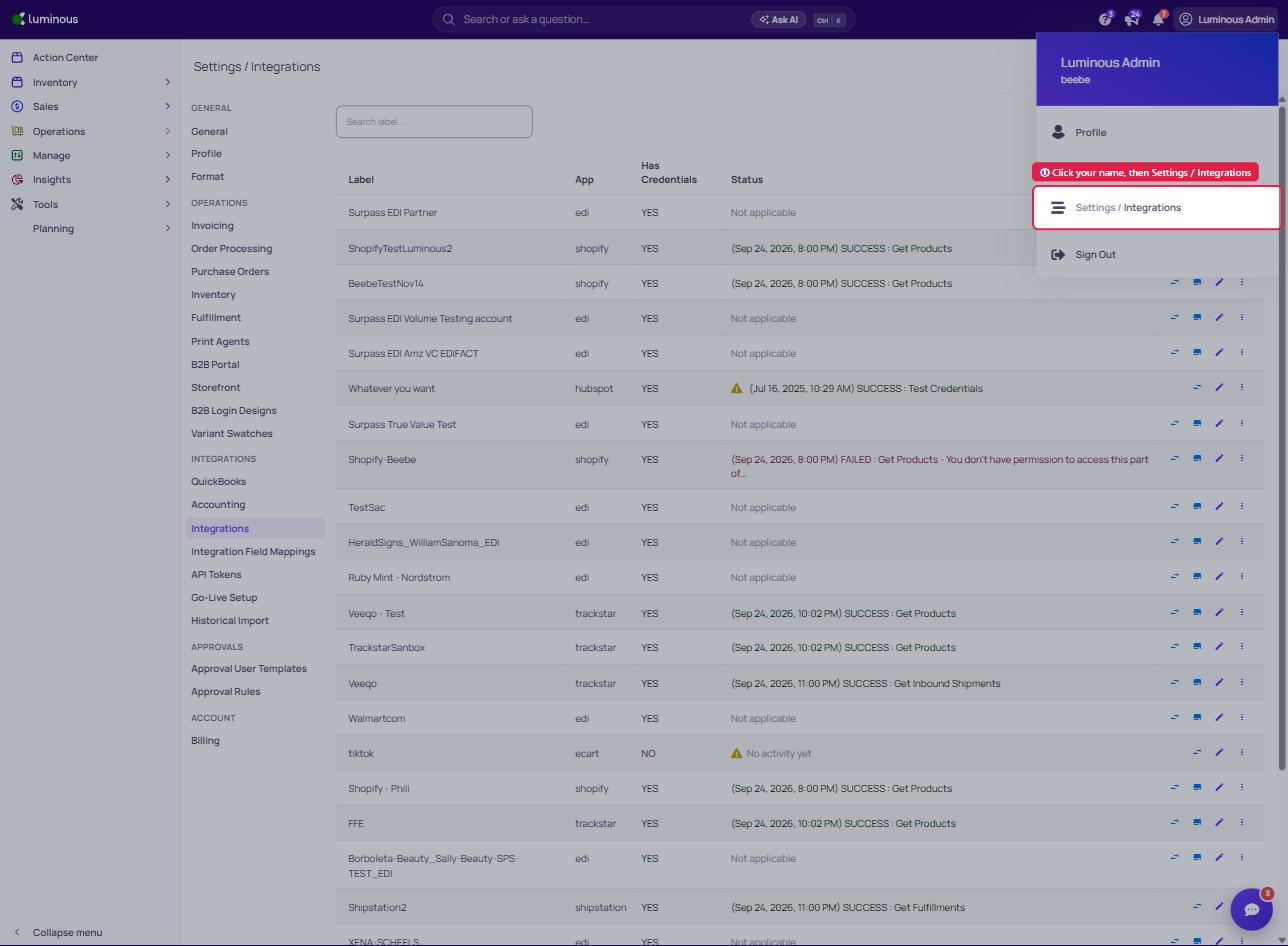
1. Click your name in the top right corner, then select 'Settings / Integrations'
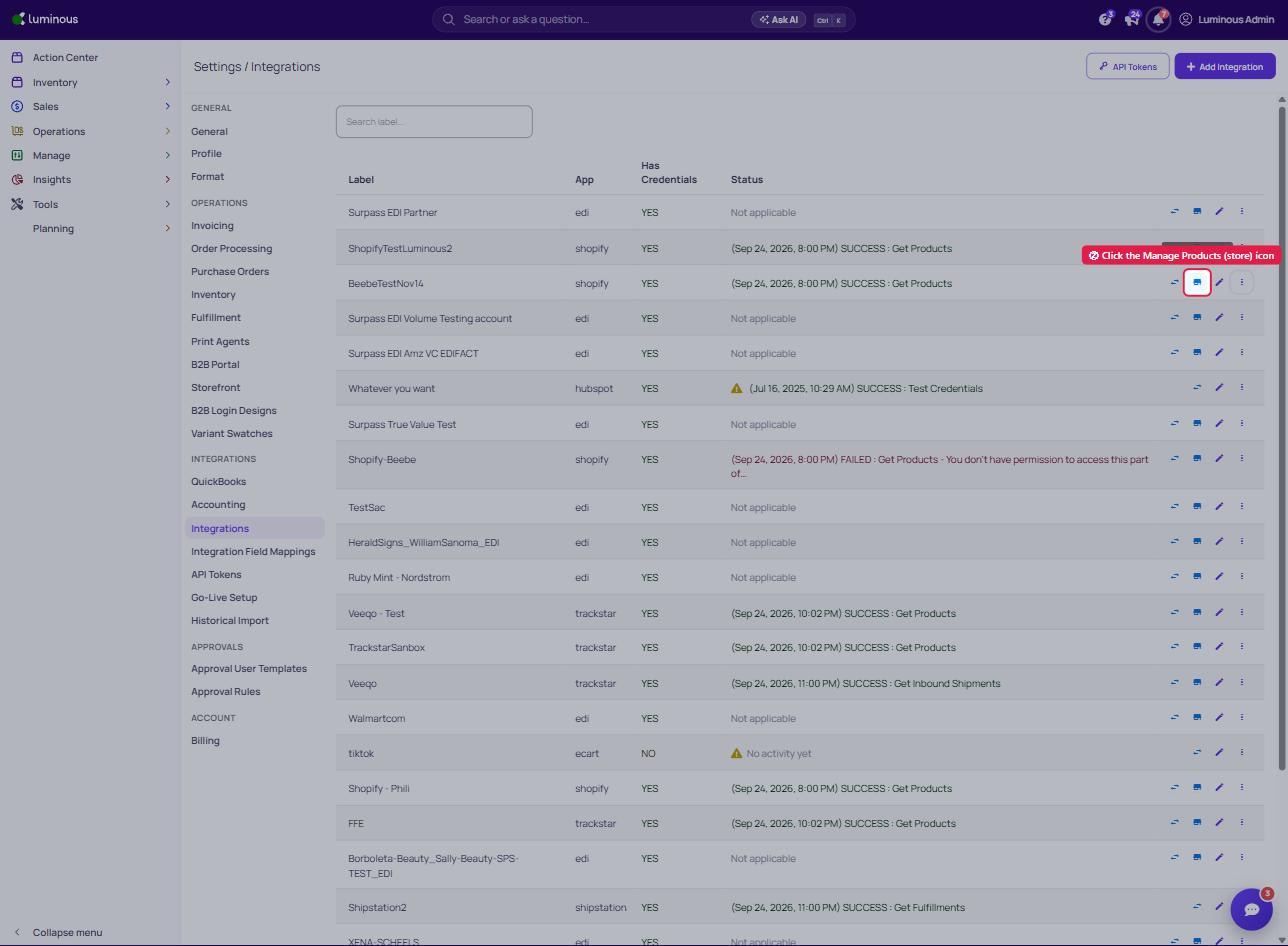
2. On the integration's row, click the 'Manage Products' (store) icon
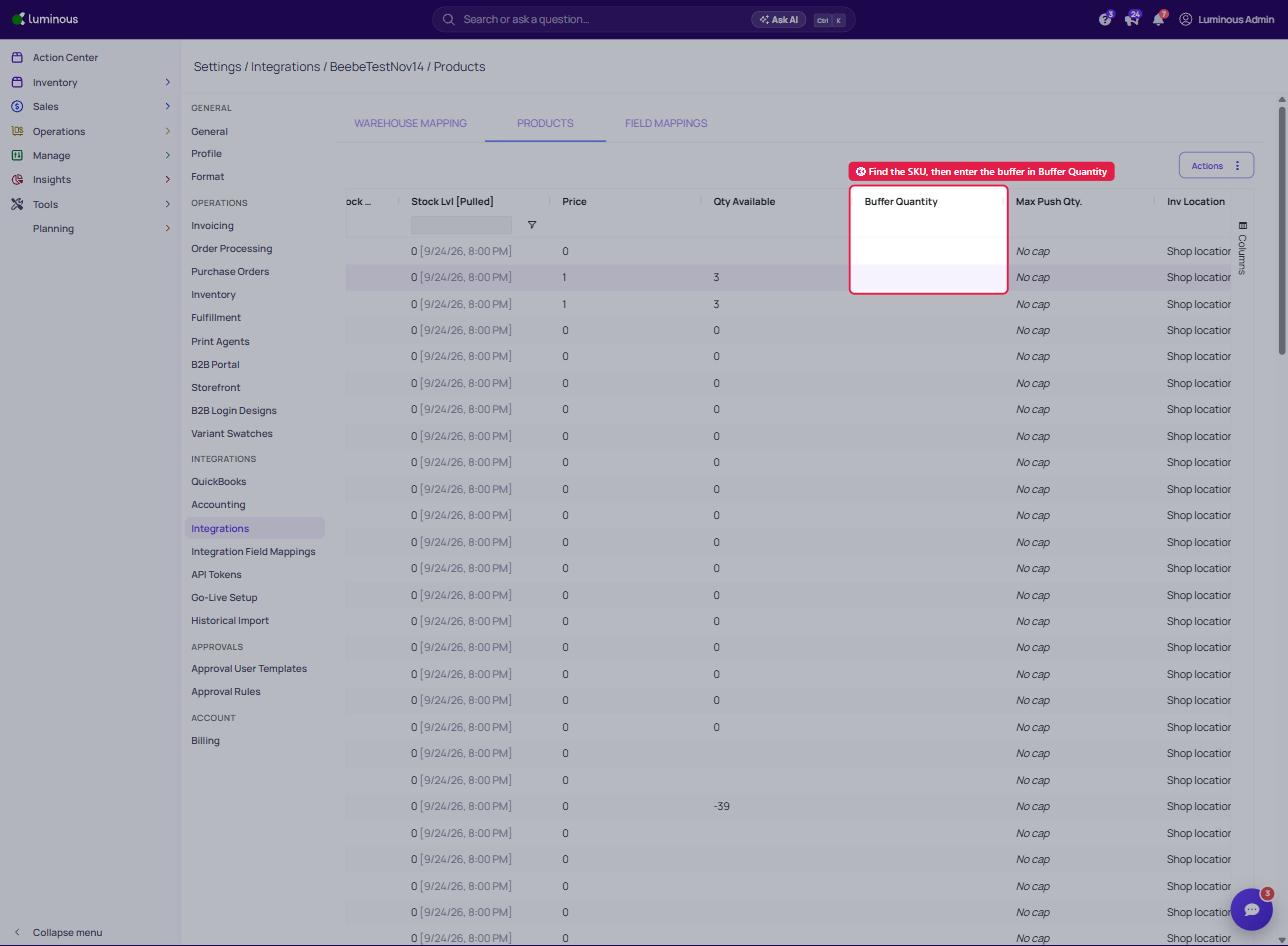
3. Find SKU, then click into the Buffer Quantity field and enter desired buffer stock